Click here to download a FREE Copy
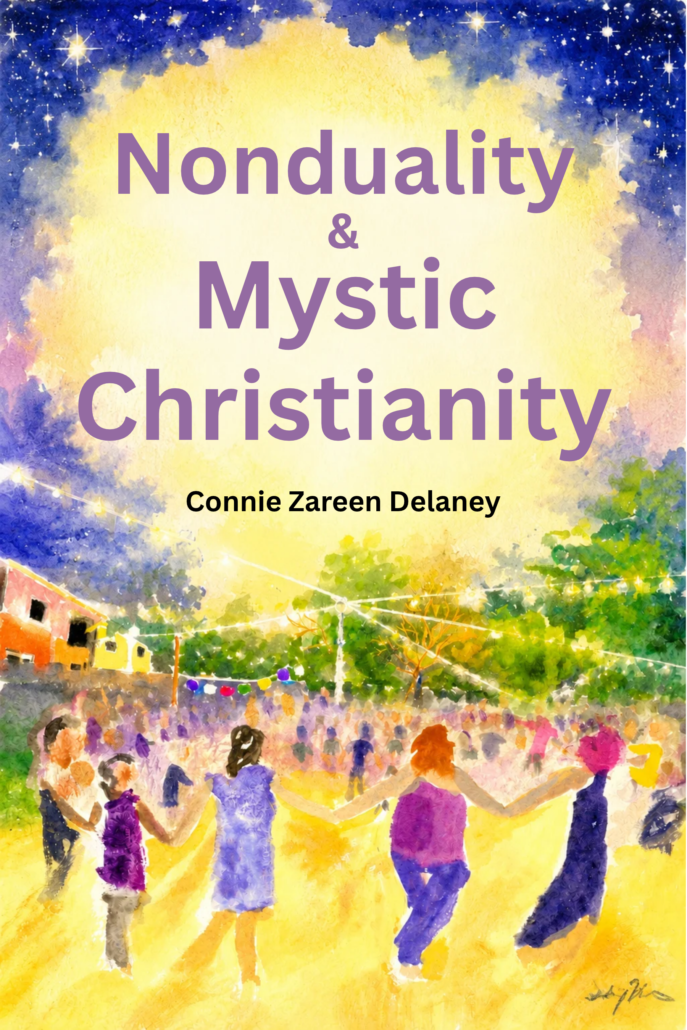
Nonduality & Mystic Christianity
What if spirituality isn’t something you have to achieve? What if the experience mystics have been pointing toward is already here—and what stands between us and it is simply the way we have learned to see?
In Nonuality & Mystic Christianity, Connie Zareen Delaney takes a fresh, unconventional look at Christianity through the lenses of consciousness, brain science, language, civilization, Indigenous wisdom, nonduality, and mystical experience.
This is not an attempt to rewrite Christianity or create another translation of its teachings. Instead, Christianity becomes a case study in what happens when human beings mistake our concepts about reality for reality itself.
Delaney explores the tension between analytical thinking and direct experience, the ways civilization and religious institutions have reinforced one particular mode of perception, and the living mystical experience that has continued underneath the structures of religion.
Along the way, she asks some provocative questions:
Why do we feel that something is missing?
What happened to our natural capacity for connection?
What can the divided mind teach us about awakening?
And what if awakening is not a destination at all, but something we can recognize right now?
Drawing from decades of spiritual practice, spiritual dance, research into archaeology and brain science, Native studies, and her own lived experience, Delaney invites us to stop looking for something outside ourselves and begin to experience what has been here all along.
The point isn’t to become awake.
The point is to be awake.
📖 How to Download and Read on Your Device
Follow the quick steps below based on your phone:
📱 For iPhone & iPad Users (Apple Books / Kindle)
- This is easiest with the Chrome browser.
- Tap the Download link.
- A prompt will pop up asking if you want to download the file. Tap Download.
- Once downloaded follow the prompts from Chrome to download, save to files, and open.
- If you use Safari, tap the small blue Downloads icon (a circle with a down arrow) in your Safari address bar, or open your iPhone’s built-in Files app and look in the Downloads folder.
- Tap the
Mystic Christianity.epubfile. It will instantly open and save permanently into your Apple Books app library, complete with its cover and interactive Table of Contents!- Prefer Kindle? Open your Amazon Kindle app, tap Upload/Send a Document, and select this file from your phone’s downloads.
- Or get from the Kindle Store
- Or buy a hard copy.
🤖 For Android Users (Kindle / Google Play Books)
- Tap the Download link.
- Tap the Download icon (the downward arrow) to save the file directly to your phone.
- Open your preferred reading app:
- Google Play Books: Tap your profile icon, go to Play Books Settings, check “Enable PDF/EPUB uploading,” then go to your library and choose Upload file.
- Kindle App: Open the app, tap More > Send to Kindle, and select the downloaded EPUB file.
- The book will open beautifully with full formatting and cover art
- Or get from the Kindle Store
- Or buy a hard copy.
Right click here to download a FREE Copy